





Driving innovation in the health domain through technology, supporting organizational productivity
and the health management of the individuals who work there.
Not just for “taking the assessment”
the test taker screen
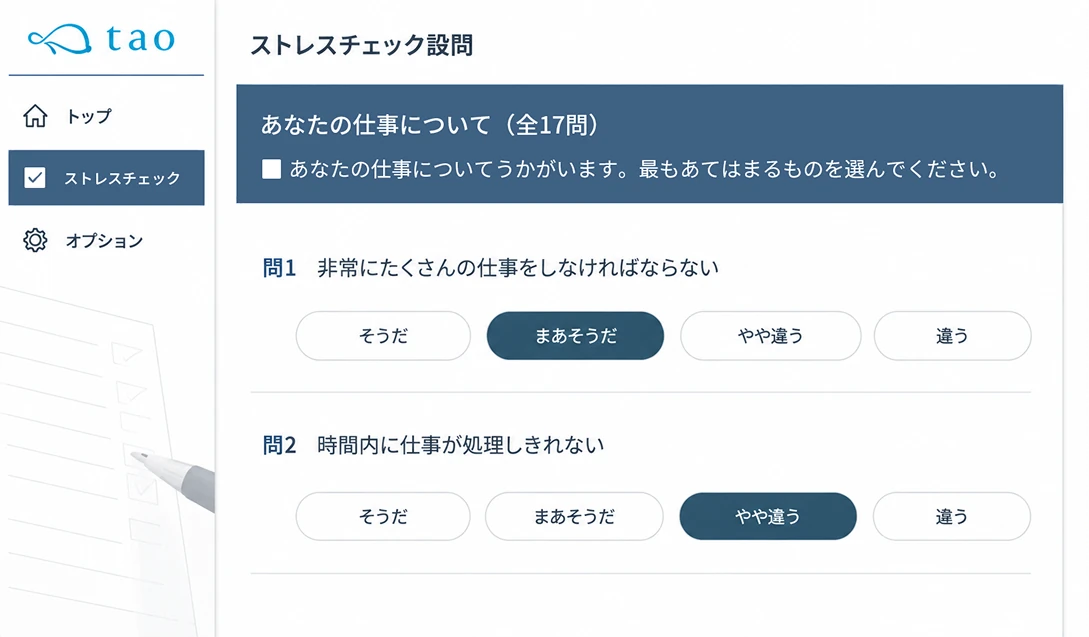
Test Taker Screen
Use the assessment as an entry point,
bringing self-care into daily life
Japanese / English support for all phases
 Stress checkFrom taking the assessment
to applying for a physician interview Self-checkUse it for your own
regular checks Self-care
contentWe provide a wealth
of content e-learningLearn regardless
of place or time
Log in to My Page
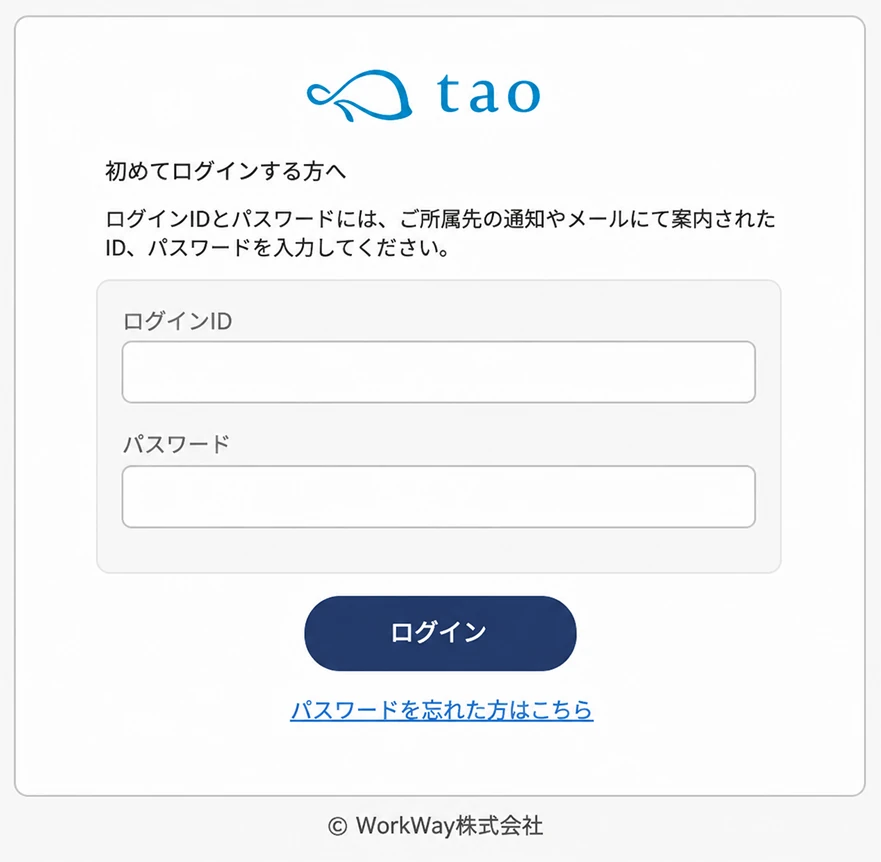
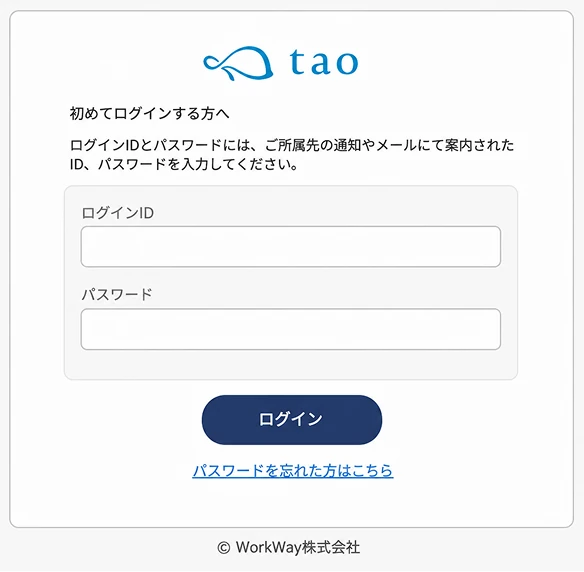
Selectable initial password
To match your organization's security policy and operations, you can choose from four types of passwords for when test takers log in to the system for the first time.
Shared password
All test takers
use the
same
password
Random generation
Randomly
generated as 10
digits per test taker
Same as ID
Same as the employee number
or test number
registered as the ID
Test taker's date of birth
(e.g.) 20170901
Solid functionality within ease of use

Issue a dedicated
test URL
Test takers select
their language
(Japanese or English)
Password can be changed
after first login
Password lockout
on incorrect entry
Session
timeout feature
Multiple password reissue methods
When a test taker forgets the password they set, choose fromthree reissue methods, and combine them.
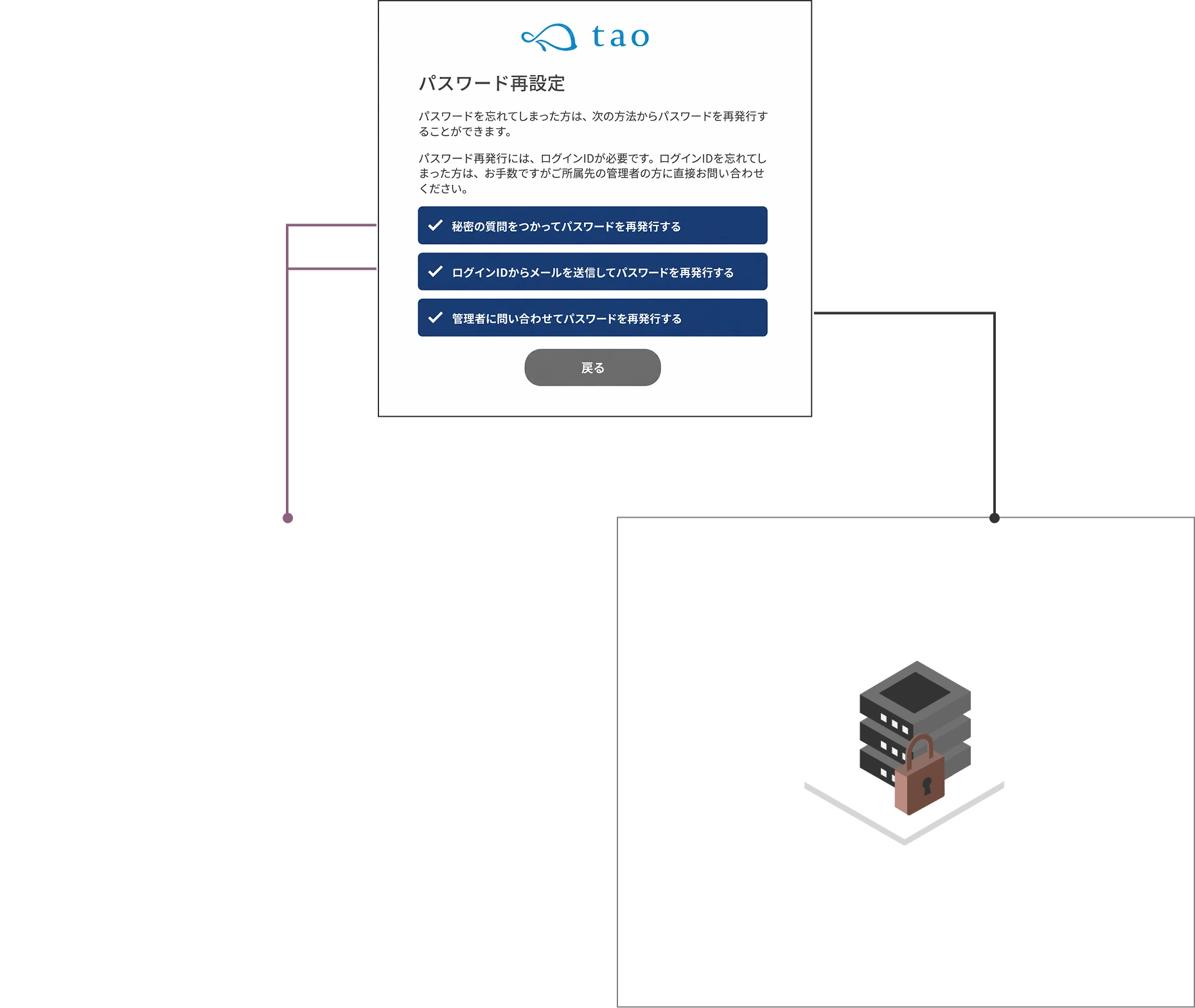
Reissue handled by the test taker
Reduce the time spent on each
password reissue request
Reissue using the question set at first login
and its answer
e.g., What was the first dish you learned to cook?
Email authentication
After entering the login ID, reissue via the link
in the email automatically sent to the registered address
*Only for those with a registered email address
Reissue handled by the administrator
Prevents information leakage to third parties
The administrator receives a reissue request email and
manually reissues the password after verifying identity
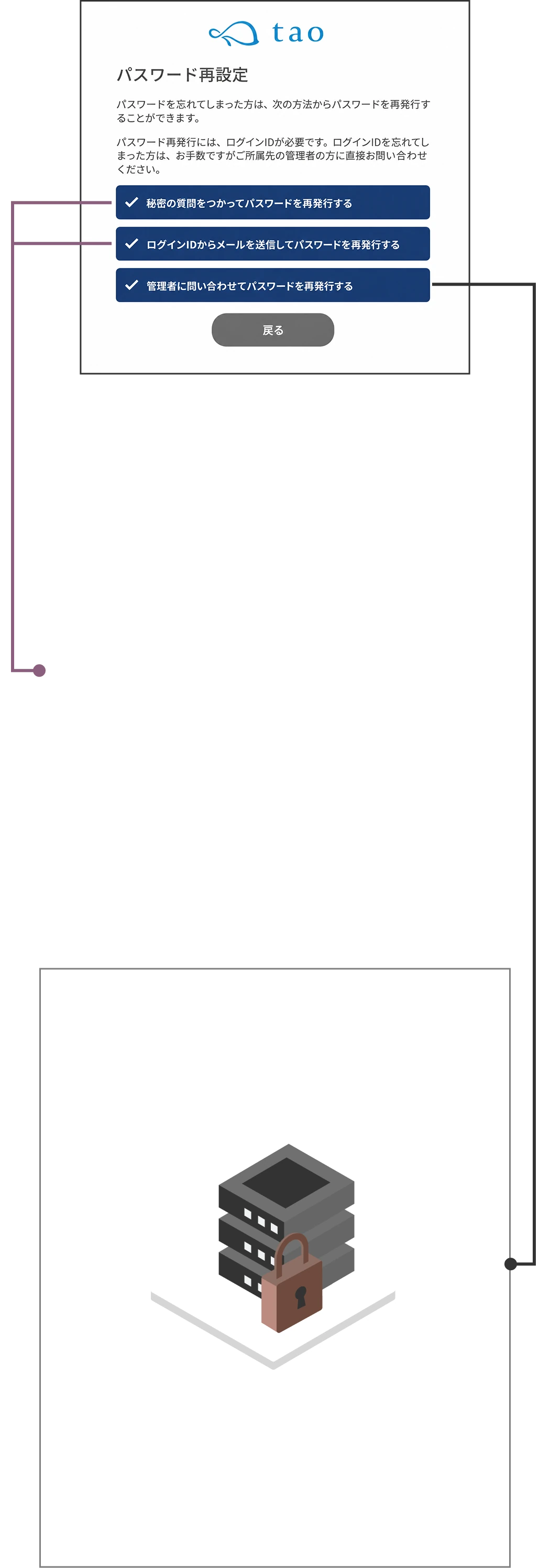
Reissue handled by the test taker
Reduce the time spent handling each
password reissue
Reissue using the question set at first login
and its answer
e.g., What was the first dish you learned to cook?
Email authentication
After entering the login ID, reissue via the
link in the email automatically sent to
the registered address
*Only for those with a registered email address
Reissue handled
by the administrator
Prevents information leakage to third parties
The administrator receives a reissue
request email and manually reissues
the password after verifying identity
Take the stress check
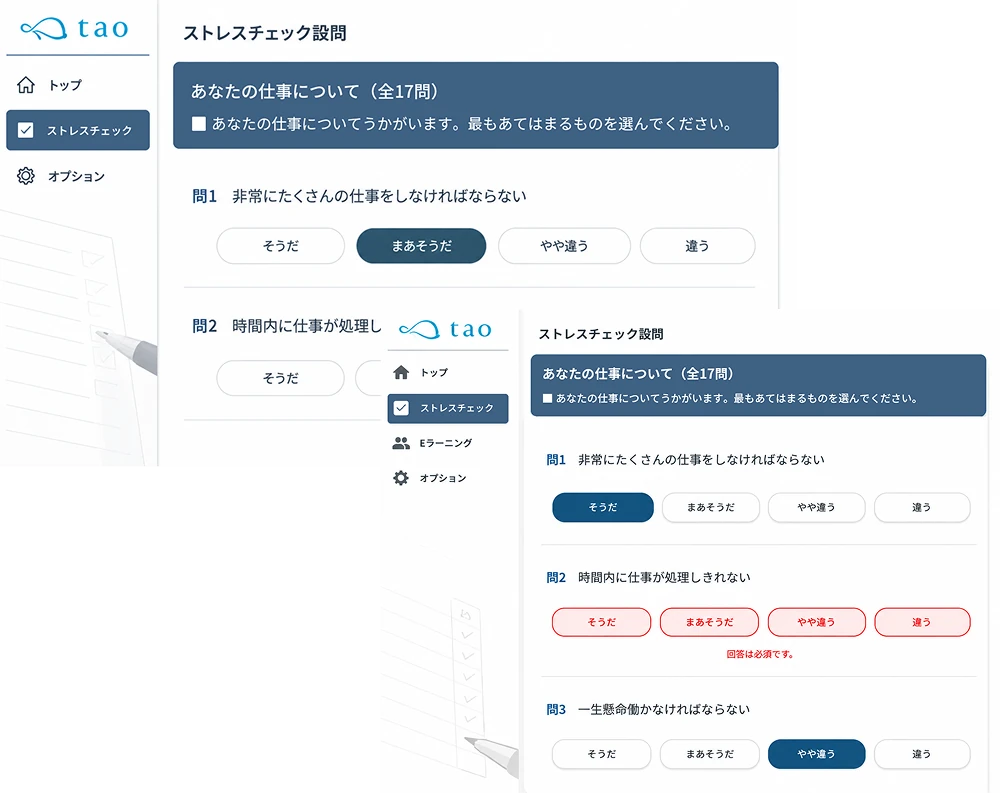
Drive forgotten answers to zero.
Unanswered prevention alert feature and
answer save feature

When there are unanswered questions, an "answer required" warning message is displayed
Unanswered items are displayed in red, and the system does not let you proceed to the next page until you answer them.
A gentle design that allows "a little later"
Even if urgent work comes up or you log out partway through, it's fine. Answers are automatically saved temporarily, so when you log in again, you can resume right away from the unanswered page.
Also supports smartphone, PC, and tablet
Even test takers whose jobs involve travel can take the assessment comfortably between tasks.
 Before
Can only take the assessment from a workplace
computer at a set timeCan take the assessment
from a smartphone or tablet,
even while traveling or on a break Before
Need to set aside a block of time to
complete it all at onceCan answer comfortably in spare moments
between tasks Before
Distracted by the workplace environment and others' eyes,
making it hard to take the assessment calmlyCan take the assessment freely
in a comfortable place
such as home or while traveling
Instant viewing
of individual results
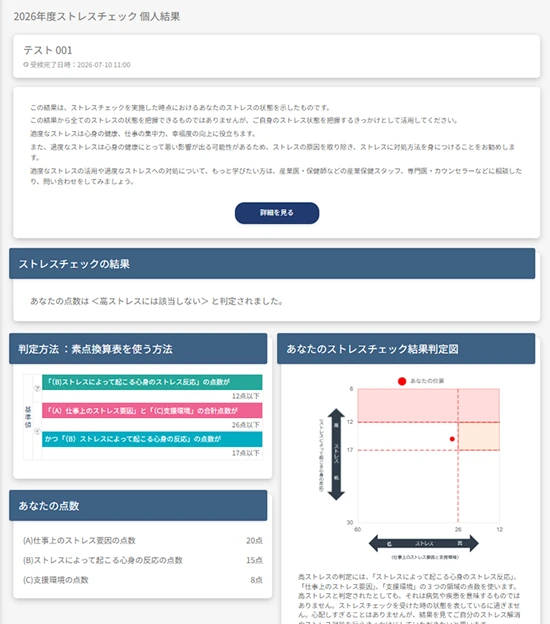
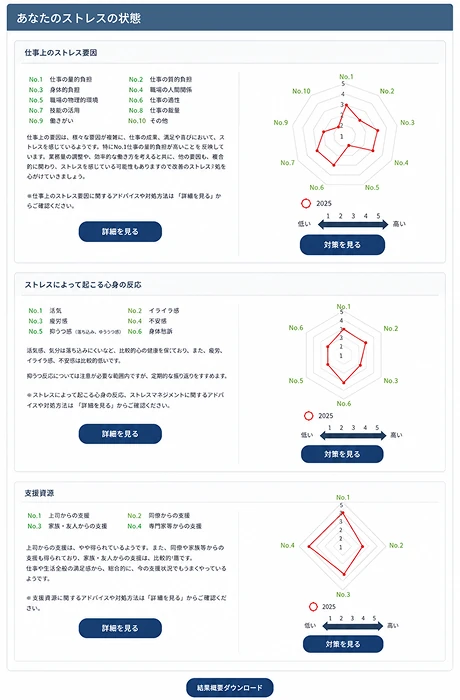
After completing the assessment, simply press the "Display individual results" button to instantly display the analysis results on screen.
You can check your own stress condition in real time.
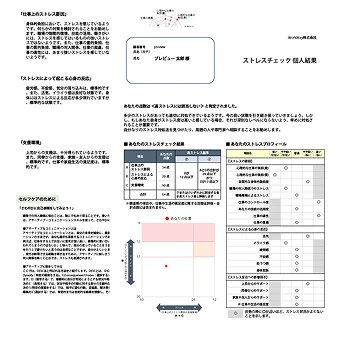
Analysis results can be
downloaded in PDF formatIf you save or print them, you can check your results anytime without logging in.
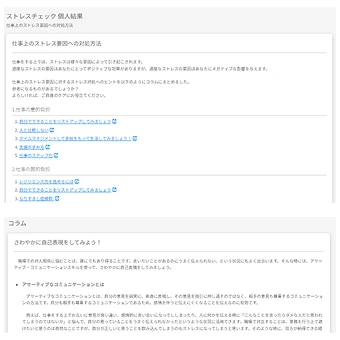
A wealth of columns
The scale with the highest stress level is highlighted, and optimal self-care advice based on the answers is displayed.
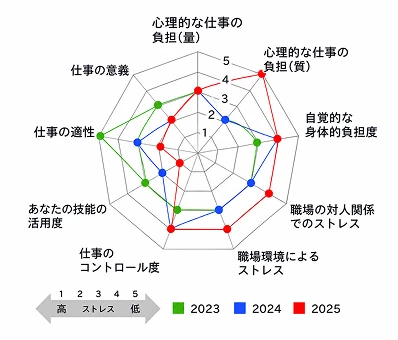
Year-over-year comparison display for up to 3 years
You can compare individual results over up to 3 years on a radar chart and visually grasp year-by-year changes. We also support importing data when previously outsourced to another company.
Physician interview application feature
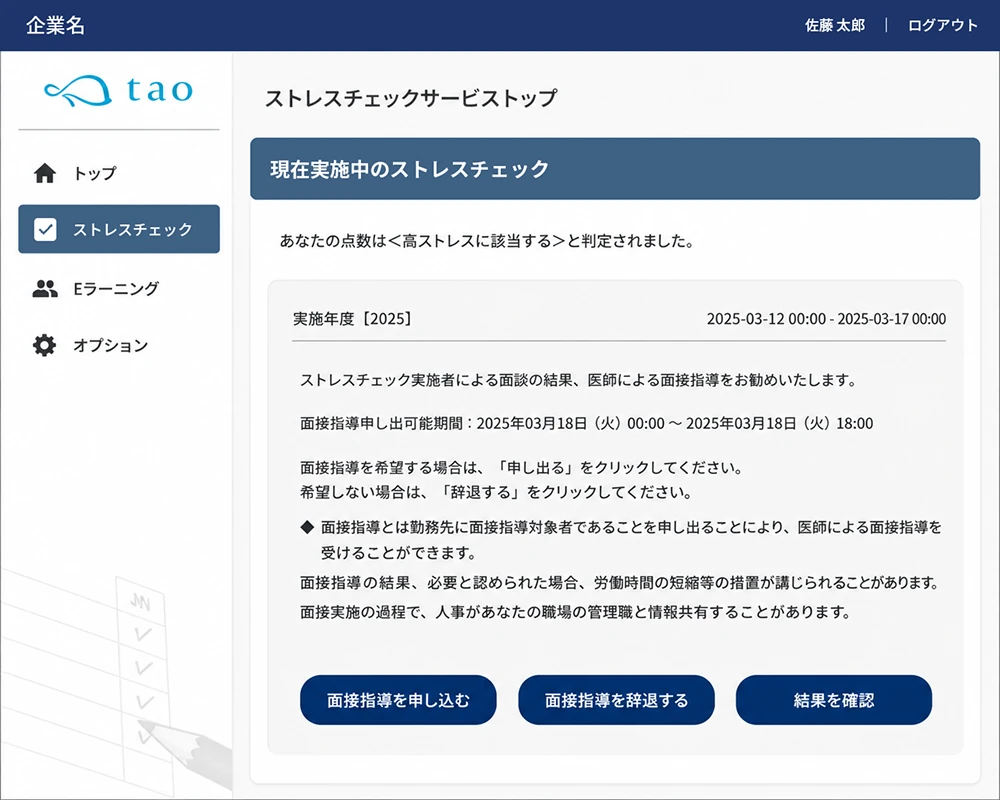
Significantly lower the hurdle to
applying for a physician interview
On the screen of test takers who become physician interview candidates,
a selection screen for applying for or declining the interview is displayed,
and they can make their choice.

Feels awkward to
apply through
a contact person
Gave up applying
because of the
complex procedure
Complete the application with
one click from My Page

"I declined once, but I'd like to have the interview after all"
"I applied, but I'd like to decline after all," and so on
you can freely change your decision anytime within the application period.
Physician
interview guidance
agency service
When arranging a physician is difficult,
we arrange the physician and coordinate the interview on your behalf.

Self-check feature
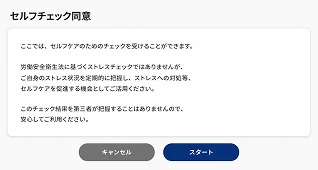
We provide a simple self-check that can be used optionally.
You can use it to grasp your daily stress condition or as an opportunity to be mindful of self-care.
- 1
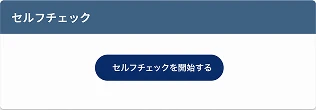
Press "Take the self-check"
- 2
The question content is no
different from the actual assessment.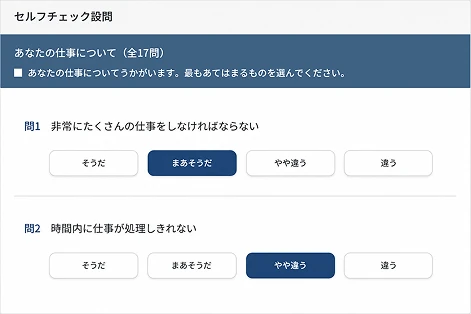
- 3
You can view the history
of your most recent 3 attempts.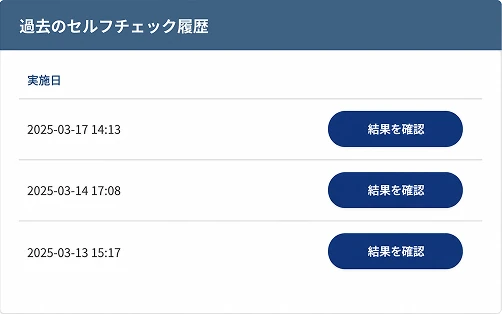
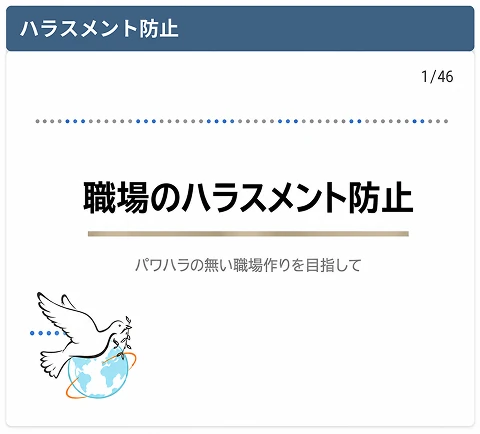
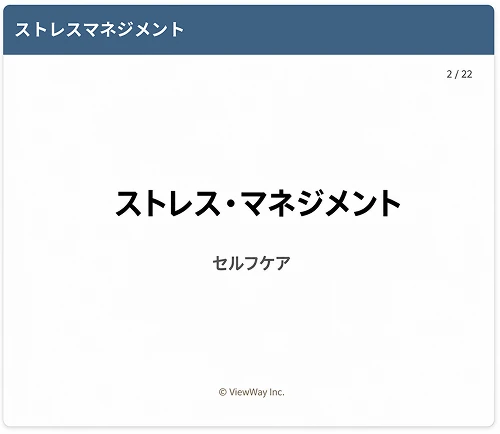
e-learning content
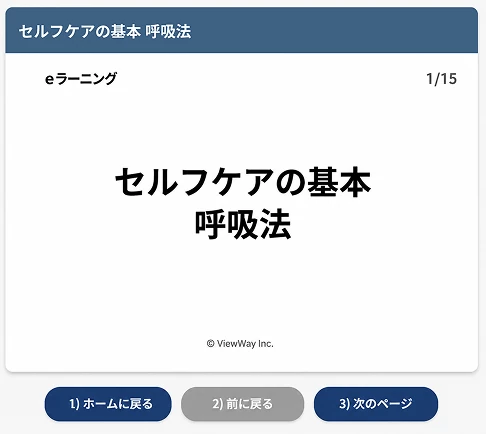
Self-care you can do anytime,
24 hours a day, 365 days a year
We provide 3 types of slide-format e-learning content available anytime, 24 hours a day, 365 days a year. You can use them as easy-to-incorporate self-care learning for daily life.
- Available
24 hours a day,
365 days a year - Slide format
at your own pace - All 3 types
of content
You can take the courses easily simply by pressing e-learning on the test taker screen and selecting the content.